


I’ve just wrapped up a project.
Which means bookkeeping.
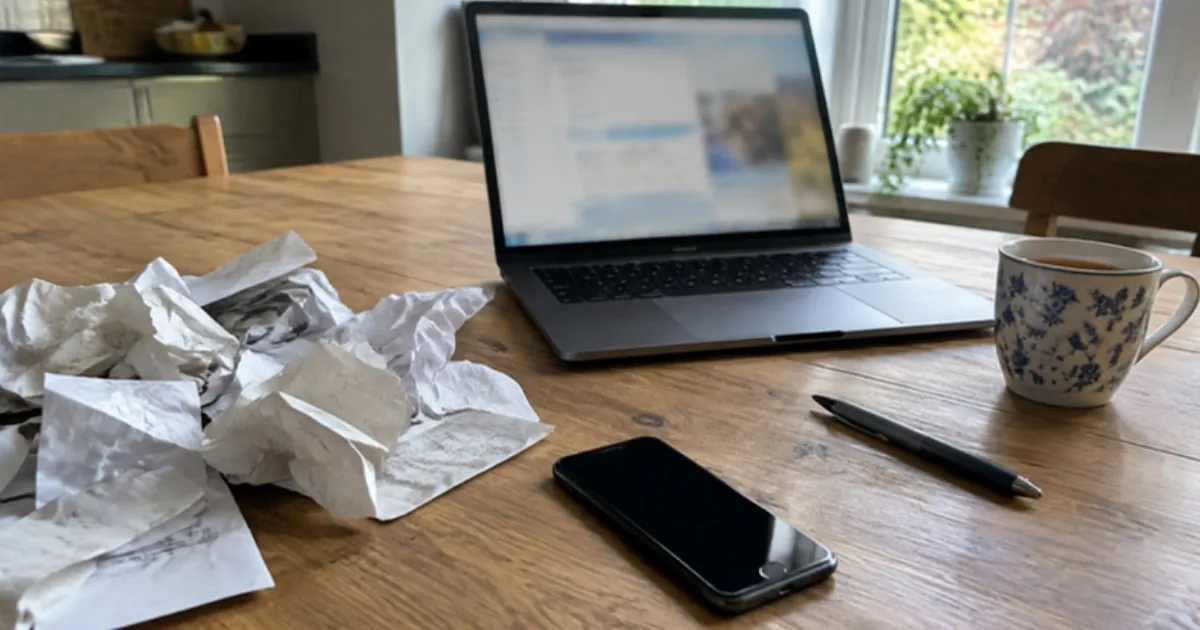
Normally that takes me the best part of a week. Partly because I hate it and keep putting it off. Mostly because it’s messy.
This time I did it differently. I used AI – specifically Claude.
A week’s work. Done in about two hours.
AI bookkeeping means using an AI tool to sort, match and tally your receipts, invoices and bank statements, so you check the work instead of doing it all by hand. For a renovation, where costs come from everywhere, that’s a big saving.
Here’s exactly how I did it.
Why Renovation Bookkeeping Is So Messy
Invoices from everywhere
On a renovation, invoices arrive by email. By WhatsApp. By Messenger.
And because this was a group project, there were reimbursements for everyone who’d bought bits and pieces along the way. A tin of paint here. A box of screws there.
Pulling all that together, and matching it to the bank statement, is slow and fiddly.
Why it matters
Your renovation records aren’t just for your peace of mind.
They show what you spent, what you can claim and what goes into your cost base when you sell. The ATO asks you to keep CGT records for five years after the year you sell.
Messy records cost money. Sometimes a lot.
How I Used AI for My Renovation Bookkeeping
Step 1: Put everything in one place
I connected Claude to my Google account and uploaded my bank and credit card statements to a Claude project.
A project keeps all the files and instructions for one job together. So the AI has the whole picture in one spot.
Step 2: Reconcile the bank statement
Claude reconciled the bank statement and searched my emails for the missing invoices.
I go through my chats myself – it doesn’t get into my messages.
Step 3: Photograph the receipts
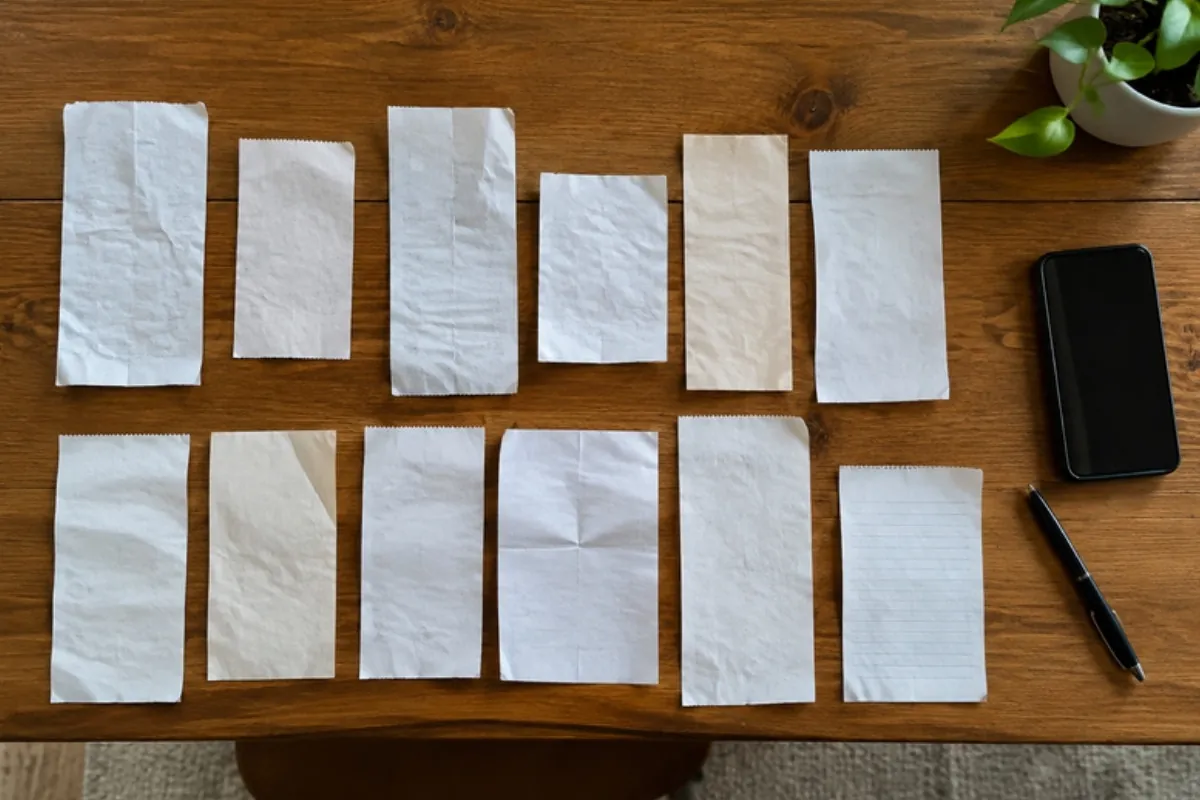
For the garden team’s receipts, I photographed them all.
Claude listed them, tallied them and matched them up. I shared it for checking, then simply reimbursed.
No spreadsheet. No calculator. No shoebox.
Step 4: Check nothing was missed
Finally, it checked my credit card to make sure I’d claimed everything I’d paid for on the project.
That’s the step I’d always rush. And it’s where money slips through.
Before You Try AI Bookkeeping
Check the work
AI is fast. It isn’t perfect.
Check every total and every match before anything goes to your accountant. Think of it as a very quick assistant – not the person who signs off.
Think about privacy
You’re sharing financial records, so decide what the AI can see.
Connect only the accounts you need. I keep my private messages out of it. Check the privacy settings of whatever tool you use, and don’t upload anything you wouldn’t want stored.
It doesn’t replace your accountant
AI can sort the pile. Your accountant still tells you what’s claimable, what goes into your cost base and how it’s taxed.
Give them clean records, and they’ll spend less time – and charge you less – doing it.
Bookkeeping Doesn’t Have to Take a Week
The job I put off longest now takes an afternoon.
Get everything in one place. Let AI do the matching. Then check it, and hand it over.
Systems like this are what keep a renovation profitable. For more on that, read why renovation systems matter more than your design skills. And if you’d like help setting up your next project properly, book a discovery call.
AI Bookkeeping: Your Questions Answered
Can AI do bookkeeping?
AI can sort receipts, match them to bank statements, tally costs and find missing invoices. You still need to check its work, and an accountant for tax advice.
How do I keep track of renovation receipts?
Keep everything in one place: photograph paper receipts, save email invoices to one folder and download your statements. AI tools can then match and total them.
How long should I keep renovation receipts?
The ATO asks you to keep CGT records for five years after the year you sell the property. For a long hold, that can mean decades.
Is it safe to use AI for bookkeeping?
Check the tool’s privacy settings, share only what’s needed and review every result. Keep private messages and unrelated accounts out of it.